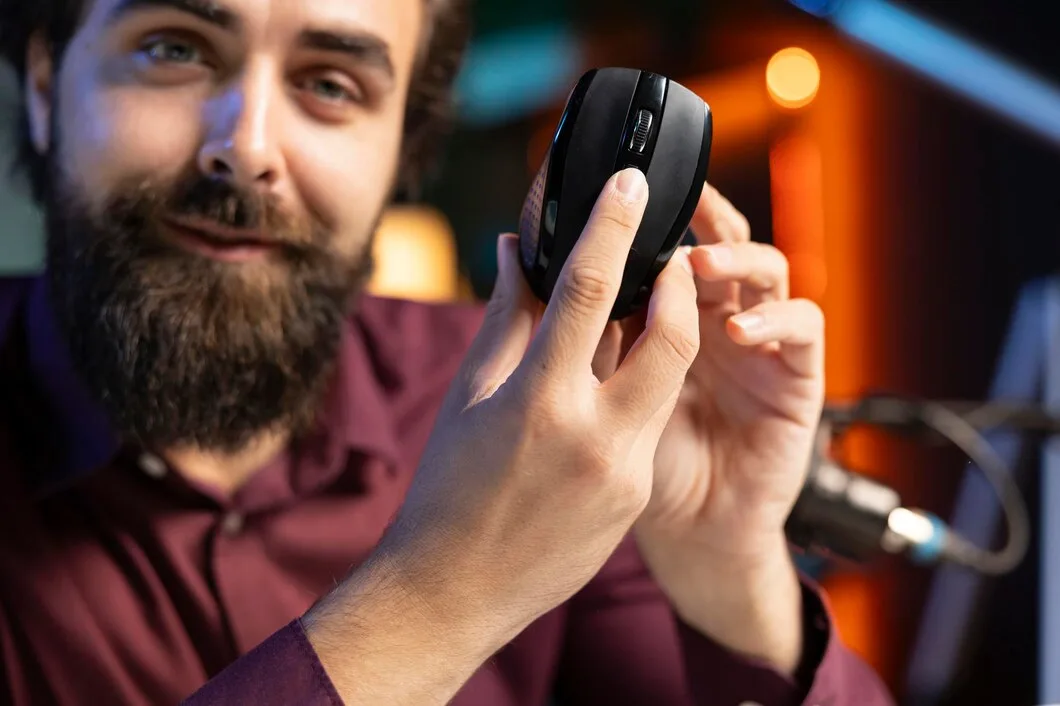

A gaming mouse box is a wall of numbers. 26,000 DPI. 8,000 Hz. 49 grams. Optical this, hybrid that. It looks like the biggest number should win, but it doesn’t. I play competitive FPS games, and I pick a mouse by a short list of things you can feel in your hand within the first hour. This guide goes through that list in order.
Start with shape and grip, not the sensor
Every current mouse from a major brand has a sensor that is better than your hand will ever need. The sensor is not what separates a good mouse from a bad one for you. The shape is.
How you hold the mouse decides which shape works:
- Palm grip: your whole hand rests on the mouse. A longer, taller shell with a hump at the back usually feels natural.
- Claw grip: your palm touches the back and your fingers arch over the buttons. A shell with the highest point toward the rear tends to work.
- Fingertip grip: only your fingertips touch the mouse. Small, light, low-profile shells make sense here.
If you are not sure which grip you use, look at your hand during a normal session. Most people use a mix and lean toward one of the three. If you can, hold a friend’s mouse for a few minutes before you buy your own. If you can’t, look at how the shell is described. Ergonomic shells are shaped for one hand, usually the right. Symmetrical shells work for either hand, though the side buttons may not.
Left-handed players have fewer choices than right-handed ones, and that is worth knowing before you fall in love with a shape you can’t use. I’m left-handed, so I look for symmetrical shells, or for side buttons that can be moved to the other side.
Weight: lighter is nice, but not magic
Mice have gotten a lot lighter. Some wireless models now weigh around 50 grams. Light mice are easier to flick and stop, and they are less tiring over a long session.
That said, a light mouse is not automatically a better one. A very light shell can feel flimsy if it is too small for your hand, and a slightly heavier mouse can feel more planted when you are tracking a moving target. What matters is that the weight feels right to you and that you stop thinking about it. Once you find a weight you like, stay with it. Switching between a 50 g and a 100 g mouse every week makes it hard to build consistent aim.
Wireless is now the normal choice
For a long time, serious players avoided wireless mice because of lag. That reason is mostly gone. The current 2.4 GHz wireless systems from the major brands are built for competitive play, and plenty of competitive players use them.
The real trade-offs today are simpler:
- Battery: you need to charge the mouse, or replace a battery in the case of AA models. Check the stated battery life on the maker’s page, not on a retail listing.
- Price: wireless costs more than wired with the same shell.
- Receiver: a lot of mice include a 1000 Hz receiver, and a faster one is sold separately. Check what comes in the box.
If you do not want to think about charging, a wired mouse is still a perfectly good choice.
The numbers you can mostly ignore
DPI. DPI is how far the cursor moves for each inch of hand movement. Mice now advertise DPI figures in the tens of thousands, but you will probably run yours somewhere in the hundreds to low thousands. A higher maximum does not make the mouse more accurate. Pick one DPI, set it once, and match it across your games with a sensitivity converter so your aim feels the same everywhere. I use 1200 DPI.
Polling rate. This is how many times per second the mouse reports its position to your computer. At the standard 1000 Hz, that is one report every millisecond. At 8000 Hz it is every 0.125 milliseconds. Higher rates can make the cursor feel smoother, but they also use more battery and put more load on your CPU. For most people, 1000 Hz is plenty.
Marketing names. Every brand has a name for its sensor, its switches and its wireless tech. They are worth looking at only to see the actual specs underneath: weight, sensor limits, polling rate and battery life.
Buttons: count what you need
How many buttons you need depends on what you play. An FPS player may need only the two main buttons, a scroll wheel, and two side buttons. A player of MMOs, where there are dozens of abilities to bind, may be much happier with a thumb grid of twelve buttons. I use a left-handed twelve-button mouse for World of Warcraft, and a symmetrical wireless mouse for FPS aiming. Different games, different mice, and that is fine.
If you buy a mouse with a lot of buttons, be sure the grid is easy to reach and does not get pressed by accident.
Test it when it arrives
Once the mouse is in your hands, spend ten minutes checking it before you rely on it:
- Click every button a few times and make sure none of them double-click or miss.
- Scroll up and down slowly and watch for jumps.
- Move the mouse in small, slow circles and check that the cursor follows your hand without skipping.
- Play a few rounds of a game you know well before you decide on DPI and sensitivity.
If something is wrong, send it back while you still can. Double-clicking buttons and scroll wheel glitches are common faults, and they are easier to sort out in the first week.
So which mouse should you pick?
Work through the list in this order: grip and shape, then wired or wireless, then weight, then buttons, and last of all, price. Ignore the biggest number on the box. If you want a hand with the actual models, I put the current picks side by side, with the official specs and prices, in my guide to the best gaming mouse, split up by hand, game and budget.
A mouse is the part of your setup that you touch every second you play. Choose one that fits your hand, and it will do more for you than any spec on the box. I write about aim, settings and PC hardware for players on yuvalgg.com, where there are also free tools for testing and tuning your setup.