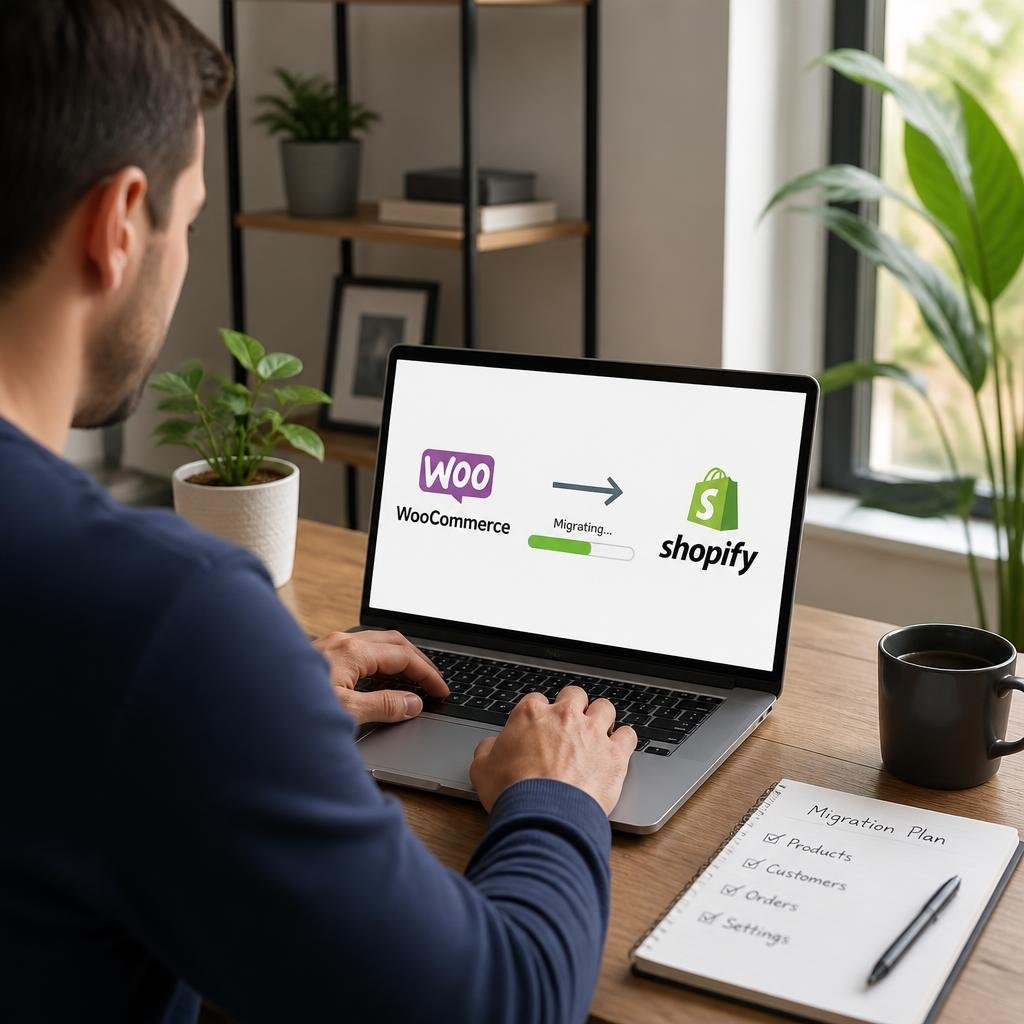

The number of store owners choosing to move away from Shopify and rebuild on WooCommerce has grown consistently over the past few years. The reasons are not always the same, but a few patterns come up repeatedly: platform costs that increase with revenue, restrictions on customisation that require expensive workarounds, and a growing preference for owning the infrastructure your business runs on.
This post covers the specific reasons behind the switch, what the migration process involves, and what store owners gain by making the move.
The Cost Problem With Shopify
Shopify charges monthly subscription fees that increase with the features you need. The basic plan covers a reasonable feature set, but as soon as you need advanced reporting, lower transaction fees, or additional staff accounts, you move up to higher tiers. Those higher tiers carry significantly higher monthly costs.
Beyond the subscription, Shopify charges transaction fees on every sale unless you use Shopify Payments, which is not available in all countries. For stores processing high volumes, those transaction fees represent a meaningful ongoing cost that has no equivalent on WooCommerce.
WooCommerce itself is free. You pay for hosting, a domain, and whichever premium plugins your store requires. For most stores, the total cost of a WooCommerce setup is lower than the equivalent Shopify plan, and the gap widens as the store grows.
Ownership and Control
On Shopify, your store runs on Shopify’s infrastructure. You do not own the platform, and changes to Shopify’s terms, pricing, or feature availability can affect your store without your input. Several Shopify merchants have experienced app removals, policy changes, and fee increases that required them to adapt quickly with little notice.
WooCommerce runs on WordPress, which you install on hosting you own. You own your store’s code, your database, and all of your data. If you want to move hosts, change your setup, or export everything for any reason, nothing stops you. That level of ownership matters more as a business scales.
Customisation Without Limits
Shopify’s customisation options are constrained by the platform. Significant changes to checkout behaviour, product page layout, or backend workflows often require either purchasing a Shopify app or paying a developer to work within Shopify’s specific constraints.
WooCommerce is open source. The codebase is fully accessible, there are thousands of plugins covering virtually every e-commerce use case, and developers can modify anything without platform restrictions. Store owners who need specific workflows, custom checkout logic, or non-standard product structures find WooCommerce significantly easier to work with.
What the Migration Involves
The concern that holds many store owners back from switching is the migration itself. Moving years of product data, order history, and customer records sounds risky. The reality is that with a proper migration tool, the process is structured and trackable.
The import shopify to woocommerce plugin connects to your Shopify store via API and transfers six types of data directly:
-
Products (with variants, images, pricing, and inventory)
-
Customers (with full address data)
-
Orders (with financial and fulfilment status filters)
-
Coupons (with date-based filtering)
-
CMS pages (title and content)
-
Blog posts (title, content, tags, and featured image)
The API-based approach means data moves directly from Shopify to WooCommerce without requiring CSV exports or manual reformatting. A progress bar tracks the import in real time, and an email notification confirms when the import is complete.
Specific Filters for Selective Migration
Not every migration needs to move everything. Some store owners want to migrate only active products, or only orders from the past two years, or only paid orders. The plugin supports selective migration through filters:
For products:
-
Filter by title, type, vendor, product ID, or publishing date
-
Import as Active, Archived, or Draft
For orders:
-
Filter by creation date (before or after a specific date)
-
Filter by financial status: paid, pending, authorised, refunded, or voided
-
Filter by fulfilment status: shipped, unshipped, partial, or unfulfilled
For coupons:
-
Filter by start or end date
-
Import as new coupons
These filters make it possible to do a clean, selective migration rather than importing everything including outdated or irrelevant data.
What Store Owners Gain After Migration
Store owners who complete the migration consistently report the same benefits:
-
Lower ongoing costs: No transaction fees, more competitive hosting costs compared to Shopify plans at equivalent feature levels
-
Full data ownership: All store data lives in a database you control and can export freely
-
Greater flexibility: Any functionality available in the WordPress and WooCommerce ecosystem is accessible without platform restrictions
-
Checkout customisation: WooCommerce checkout can be modified extensively, which Shopify restricts heavily outside of Shopify Plus
-
Content integration: WooCommerce runs on WordPress, meaning blogging, SEO, and content marketing tools are natively integrated rather than bolted on
Making the Switch
The decision to migrate is typically driven by a combination of the factors above reaching a tipping point. Rising fees, a feature restriction that becomes critical, or a desire for greater control all serve as triggers. When the decision is made, having a structured migration process in place means the switch can happen without losing the data and history the business depends on.